 blog
blog
Digital Planner vs Paper Planner Pros: Which Wins?
Table of Contents
- Digital Planner vs Paper Planner Pros: The Core Trade-Off
- Digital Planner Pros and Cons: What You Gain and Give Up
- Paper Planner Pros and Cons: The Case for Handwriting
- Side-by-Side Comparison: Focus, Memory, Cost, and Portability
- The Hybrid Planning System: Using Both Without the Clutter
- How to Choose a Planner: A Framework by User and Need
- What Most Planner Comparisons Get Wrong
- Conclusion
- Frequently Asked Questions
Last Updated: October 19, 2026
Digital Planner vs Paper Planner Pros: The Core Trade-Off
The real question behind the digital planner vs paper planner pros debate is not which tool is better. It is which one you will actually open tomorrow. At BriarpatchPaper, we design hyperlinked digital planners and printable wall art for people who want calm, not clutter, so we have a stake in this answer. But plenty of planners die in a drawer.
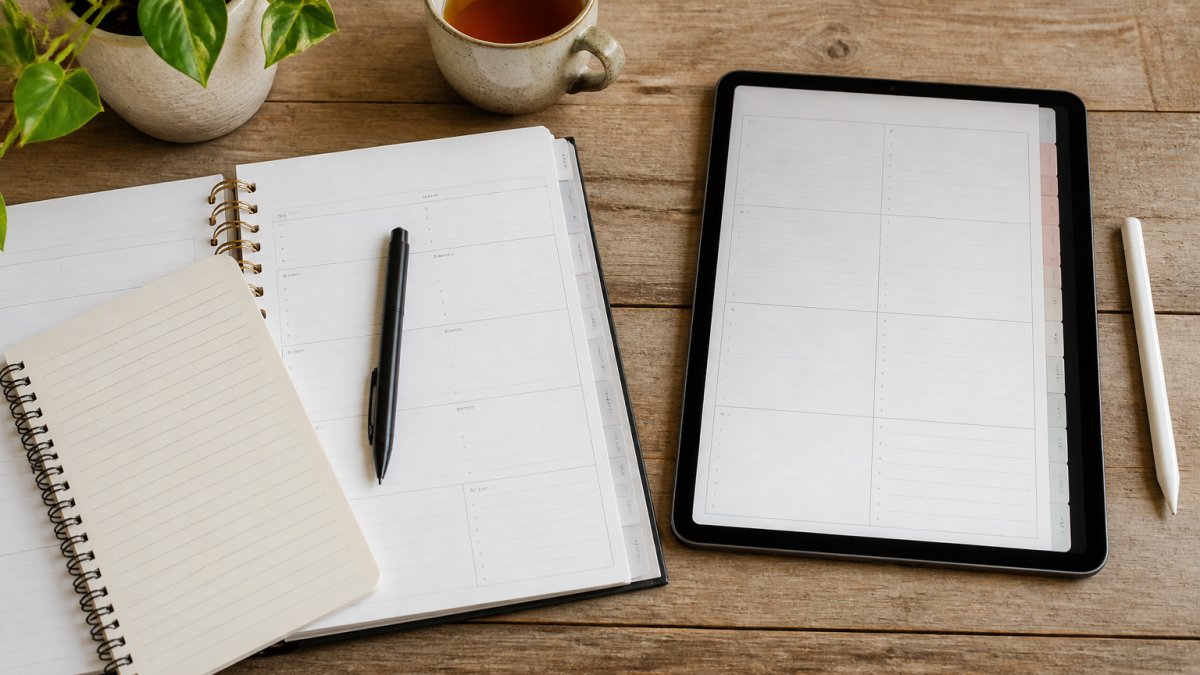
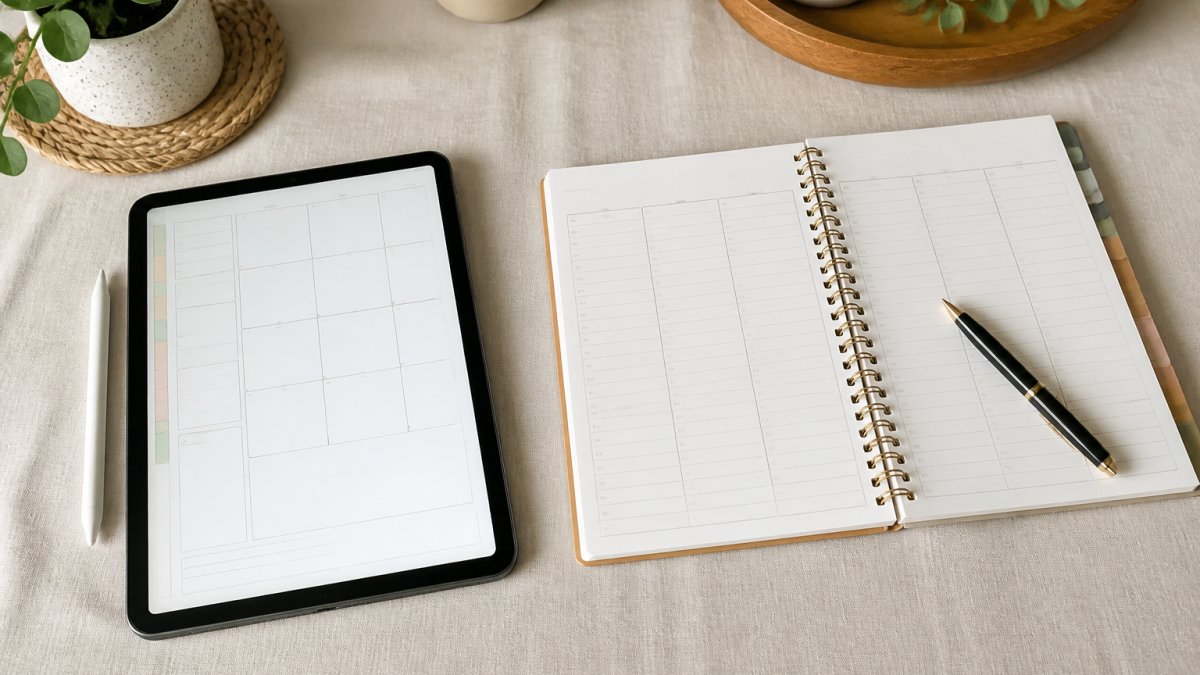
A digital planner is a dated or undated planning file you write on with a stylus and store on a tablet or phone. A paper planner is a bound book you write in by hand. Everything else, from search speed to memory, flows from that difference.
Here is the trade-off in plain terms:
- Digital wins on search, backups, and carrying less.
- Paper wins on focus, recall, and the feel of pen on page.
- Most people do better with a mix of both.
Digital Planner Pros and Cons: What You Gain and Give Up
Digital planner pros and cons come down to speed versus friction. You gain search and sync. You give up the tactile calm that makes planning stick for many people.
Where a Digital Planner Wins
- Search beats flipping pages. Type "dentist" and find every mention in seconds.
- One device holds everything. No heavy binder in your bag.
- Automatic backups. Lose your tablet, restore your files. A lost paper planner is gone.
- Easy edits. Move a task to next week without crossing anything out.
- Reminders and notifications. Your calendar can nudge you, a notebook cannot.
Where a Digital Planner Falls Short
- Battery and internet access. A dead tablet is a dead planner.
- Distraction. The same device holds your email and social apps.
- Learning curve. Some digital planners are complicated, a fair complaint. Look for simple, hyperlinked layouts with clear tabs.
- Screen time. More hours staring at glass, especially at night.
Paper Planner Pros and Cons: The Case for Handwriting
Paper planner pros and cons mirror the digital ones: slower to search, stronger on focus. The writing itself does work that typing skips.
Where a Paper Planner Wins
- Handwriting helps memory. Writing by hand slows you down enough to process what you are recording.
- Fewer distractions. A notebook cannot ping you.
- Sensory calm. The feel of paper and ink lowers the sense of rush for many people.
- No battery, no updates, no crashes.
- Easy to leave open on a desk as a visible daily schedule.
Where a Paper Planner Falls Short
- No search. Finding an old note means flipping.
- No backup. Spill coffee on it and the week is gone.
- Fixed space. Run out of room on Tuesday and you are squeezing into margins.
- Less portable if you carry a large size.
Side-by-Side Comparison: Focus, Memory, Cost, and Portability
Here is how the two stack up on the factors people ask about most. The table gives the quick read; the notes explain the mechanism.
| Factor | Digital Planner | Paper Planner |
|---|---|---|
| Focus | Weaker, device holds distractions | Stronger, single purpose |
| Memory and recall | Good for finding, weaker for encoding | Stronger, handwriting aids recall |
| Search and speed | Fast keyword search | Slow page flipping |
| Portability | One device, many planners | One book, heavier |
| Backups | Automatic, easy restore | None, physical loss risk |
| Battery and internet | Required | Not needed |
| Cost over time | Device plus app or file | Book plus pen |
| Customization | High, editable layouts | Fixed pages, stickers, inserts |
| Accessibility | Text size, zoom, read-aloud options | Limited without large print |
| Privacy | Stored in an app or cloud account | Physical, but visible to anyone nearby |
Focus. The difference is cue density, not willpower. A tablet holds your planner, inbox, and social feeds in one glass rectangle, so every glance offers a competing cue.
Memory and recall. Typing is fast enough to transcribe a thought without processing it; handwriting is slower, so your brain summarizes as you write.
Search and speed. A digital planner wins this row outright.
Portability. One tablet can hold a daily planner, project planner, habit tracker, and notebook, lighter than several bound books.
Battery and internet. A dead tablet is a dead planner. Paper has no such failure mode, which matters for travel, fieldwork, and anyone who plans in the evening away from a charger.
Cost over time. Do the three-year math rather than comparing sticker prices.
Customization. Digital layouts are editable: duplicate pages, move sections, resize text. Paper is fixed once printed, but stickers, washi tape, and inserts customize the surface.
Accessibility. Digital wins for many because zoom, larger fonts, high-contrast modes, and screen readers help readers with low vision or dyslexia in ways a printed page cannot match.
Privacy. A paper planner is private until someone picks it up, but visible to anyone at your desk.
The Hybrid Planning System: Using Both Without the Clutter
A hybrid planning system uses paper for daily focus and digital for storage and search. It is the setup we recommend most often, because it plays to each tool's strength.
The rule is simple: capture on paper, archive on digital.
- Morning: write today's top three tasks by hand in a paper planner or notebook.
- During the day: keep the paper open on your desk. No tabs, no pings.
- Evening: move finished items and any reference notes into your digital planner.
- Weekly: do your planning session digitally, where you can see the whole month and set goals.
This keeps the calm of handwriting for the daily schedule and the search and backup of a digital file for everything long-term. Our hyperlinked digital planners work well as the archive half; a simple printed page handles the morning.
How to Choose a Planner: A Framework by User and Need
How to choose a planner comes down to three questions: what you plan, where you plan, and how you think. Answer those and the choice is usually obvious.
Use this checklist:
- Do you need to search old notes often? Yes: lean digital. No: paper is fine.
- Are you easily pulled into your phone? Yes: paper for daily use.
- Do you plan on the move, with no desk? Yes: digital, one device.
- Do you track habits or goals over months? Digital, for the overview and reminders.
- Do you find screens tiring at night? Paper for evening planning.
- Do you need large text or zoom? Digital for accessibility.
- Is budget tight this year? Paper is the smaller single spend.
Match the answer to the user type:
| User Type | Best Fit | Why |
|---|---|---|
| Student | Paper for study, digital for deadlines | Handwriting aids recall; reminders catch due dates |
| Parent juggling family schedules | Digital | Shared calendars, sync, reminders |
| Gardener or hobbyist | Printable or hybrid | Seasonal notes, simple tracking |
| Mindfulness practitioner | Paper journal | Slower pace, fewer screens |
| Remote worker | Hybrid | Focus on paper, archive digital |
For gardeners and anyone tracking habits, a simple printable page often beats a full productivity system. You do not need to be a "planner person" to keep a seasonal log.
What Most Planner Comparisons Get Wrong
Most planner comparisons miss one thing: the tool is not the outcome. A beautiful planner you never open loses to a plain notebook you use daily. But three specific gaps show up again and again, and each one changes the decision.
They ignore data loss and privacy. A digital planner is only safe if you back it up. Before you commit, check three things: does the app sync or export your file, where is the copy stored, and can you restore it if the device is lost?
They skip total cost over time. Comparing a planner's sticker price to an app's download price is misleading. Do the three-year math: for paper, add the planner, pens, stickers, and inserts each year; for digital, add the tablet, stylus, app or file, and any subscription.
They treat it as all-or-nothing. The hybrid route suits more people than either pure camp admits: paper for the daily schedule, digital for the archive. The mistake is duplicating tasks across both; if a task lives on paper, do not also write it in the digital planner, because duplication is the number one reason hybrid systems collapse into clutter.
A fourth gap is evidence. Claims that handwriting improves memory or that screens harm focus are usually stated as absolutes. The honest version is qualified: most practitioners find handwriting slows them down enough to process what they are recording, and many find paper less distracting because it offers fewer competing cues.
Conclusion
Neither planner wins outright. Digital wins on search, backup, and portability. Paper wins on focus, memory, and calm. The best system is the one you will open every day, and for many people that means a hybrid: paper for the daily schedule, digital for the archive.
If you want the digital half to feel calm rather than complicated, BriarpatchPaper offers hyperlinked digital planners for GoodNotes, plus habit trackers and printable pages with botanical designs. Our editable Canva templates and instant downloads make it easy to start simple and add structure only when you need it. Get started with BriarpatchPaper and build a planning routine you actually keep.
Frequently Asked Questions
What are the advantages of a digital planner?
A digital planner keeps your calendar, to-do list, and notes in one device, so reminders and notifications fire automatically and nothing gets lost between pages. You can duplicate templates, search past entries, and carry hundreds of pages without weight. Hyperlinked digital planners for apps like GoodNotes let you jump between sections with a tap. The trade-offs are battery life, screen time, and the need to back up your files so a lost or broken device does not wipe your planning history.
Are paper planners better for productivity?
Paper planners help with focus because they remove the distraction of notifications and open apps. Writing by hand also tends to slow you down enough to think about what you are scheduling, which supports recall and prioritization. That said, productivity depends on how you use the tool. A paper planner with no routine behind it will not outperform a digital one you actually open every morning. The format matters less than consistency and a clear weekly planning habit.
Can you use a digital planner and a paper planner together?
Yes, and a hybrid planning system suits many people best. A common setup is a digital calendar for appointments, reminders, and shared schedules, paired with a paper planner for daily priorities, goal setting, and reflection. Keep one source of truth for time-bound events so you do not double-book, and let the paper side handle the thinking. This split gives you the reminders of a digital planner and the focus of handwriting without duplicating every task.
Do digital planners work without an internet connection?
Most hyperlinked digital planners are PDF files stored on your device, so you can open and write in them offline in apps like GoodNotes or Notability. What needs a connection is syncing across devices, cloud backups, and calendar notifications tied to online accounts. If you travel or work in low-signal places, download the planner file locally and check that your app supports offline editing. Set a weekly backup so offline work is not lost if the device fails.