 blog
blog
Minimalist Habit Tracker for Daily Tasks: 7 Simple Picks
Table of Contents
- What Makes a Habit Tracker Minimalist (and Why It Matters)
- Best Habit Tracker Apps for Daily Tasks in 2026
- Daily Habit Tracker Template: What to Put in Yours
- Printable Habit Tracker: Paper Still Works
- A Habit Tracker for Beginners: Start With Three
- Privacy, Offline Use, and Low-Friction Access
- A Practical Daily-Task Workflow You Can Keep
- Frequently Asked Questions
Last Updated: October 21, 2026
What Makes a Habit Tracker Minimalist (and Why It Matters)
A minimalist habit tracker for daily tasks records only what you did and whether you did it, with no dashboards, gamification, or setup work between you and the checkbox. At BriarpatchPaper, we build planners and trackers around one belief: the tool should disappear once you start using it.
The case for simplicity is practical, not aesthetic. Behavior research consistently finds that habits form through repetition in a stable context, which is why the habit formation guidance from University College London's behaviour change research emphasizes consistency over intensity.
So the test isn't "how many features does it have." It's "how few steps sit between finishing a task and logging it." Below, we'll show you exactly how to judge that, plus seven simple picks worth your time in 2026.
Five Criteria That Separate Minimalist from Cluttered
Minimalist trackers share five traits. Use them as a scoring checklist before you commit to any app or template.
- One-screen logging. You can mark a task done without opening a menu, switching tabs, or scrolling.
- A short list. Three to seven active habits. More than that and the tracker becomes a second job.
- No mandatory setup. You can start tracking within two minutes of installing or printing.
- Quiet notifications. One reminder per habit, at a time you choose, with no streak-shaming copy.
- Visible history. A simple grid or calendar shows progress at a glance, without exporting a report.
Best Habit Tracker Apps for Daily Tasks in 2026
The best habit tracker apps for daily tasks are the ones you can open, tap, and close in under fifteen seconds.
Rather than rank near-identical apps, we group the realistic options into three families, judged against the five criteria above plus two filters competitors skip: free-plan limits and offline access.
- Bare-bones daily checklist apps. A list, a checkbox, a reset at midnight. Best for zero learning curve. Representative tools: Apple Reminders and Google Tasks. Both are free, sync across devices, and allow one daily reminder per item, but offer no habit grid or streak view.
- Streak-focused trackers. These lean on streaks and progress visualization. Good for motivation, but streak pressure can backfire on bad weeks. Representative tools: Streaks (iOS, paid one-time purchase) and Habitica (free tier with optional subscription). Streaks is deliberately minimal, one screen, tap to complete, no account, while Habitica adds gamification some find motivating and others noisy.
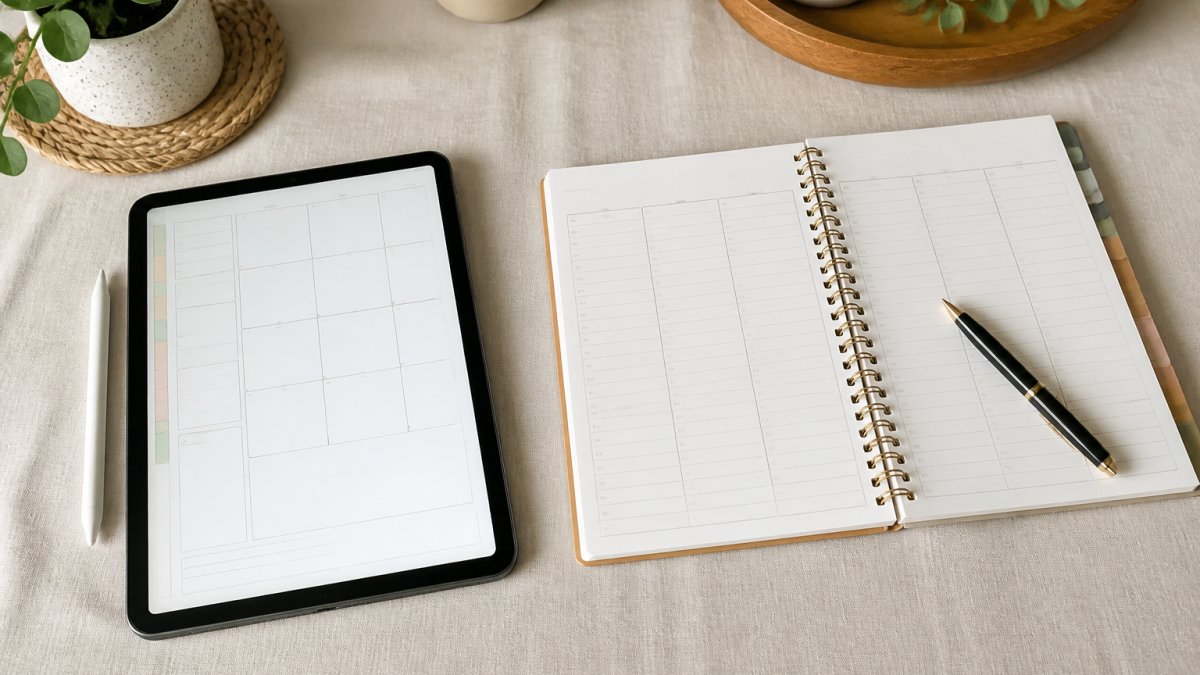
- Planner-based systems. A hyperlinked digital planner or printable sheet where habits live alongside your schedule, so tracking happens where you plan. This is the family we build for at BriarpatchPaper, and the approach behind many GoodNotes and Notability templates.
For most people juggling daily tasks, the third option wins: keeping habits next to your to-do list and calendar removes the extra app entirely.
Quick Comparison: Apps at a Glance
| Approach | Example Tools | Setup Time | Free Plan Reality | Offline Behavior | Watch Out For |
|---|---|---|---|---|---|
| Bare-bones checklist app | Apple Reminders, Google Tasks | Under 2 minutes | Fully usable; no habit grid | Works offline; syncs when reconnected | No history or progress view |
| Streak-focused tracker | Streaks, Habitica | 5-10 minutes | Streaks is paid upfront; Habitica free tier is usable but ad-supported in places | Varies; check per app | Streak anxiety after a missed day |
| Hyperlinked digital planner | GoodNotes/Notability templates, BriarpatchPaper planners | 10 minutes, once | Template cost only; note app may be paid | Fully offline once downloaded | Needs a note app and a stylus |
| Printable tracker sheet | Any PDF tracker | None | Free or one-time template cost | Fully offline | Manual weekly reset |
Two filters deserve a closer look. Free-plan limits: many habit apps cap active habits (often three to five), hide history behind a subscription, or restrict export, a tracker that only lets you log three habits for free is a trial, not a minimalist tool. Offline access: a tracker that needs a connection to log a walk is not a daily tool.
How to Choose in Five Minutes
Run this short decision path instead of reading another roundup:
- Do you already carry a planner or tablet? If yes, choose a planner-based system so habits live beside your schedule.
- Do you want reminders on your phone? If yes, pick a bare-bones checklist app and set one reminder per habit.
- Do you need a visual history grid? If yes, choose a streak tracker, but set a rule that a missed day is data, not failure.
- Do you want your habit data off servers entirely? If yes, choose paper or a local-file digital planner.
That is the whole decision. The right answer is the tool that adds the fewest steps between finishing a task and logging it.
Daily Habit Tracker Template: What to Put in Yours
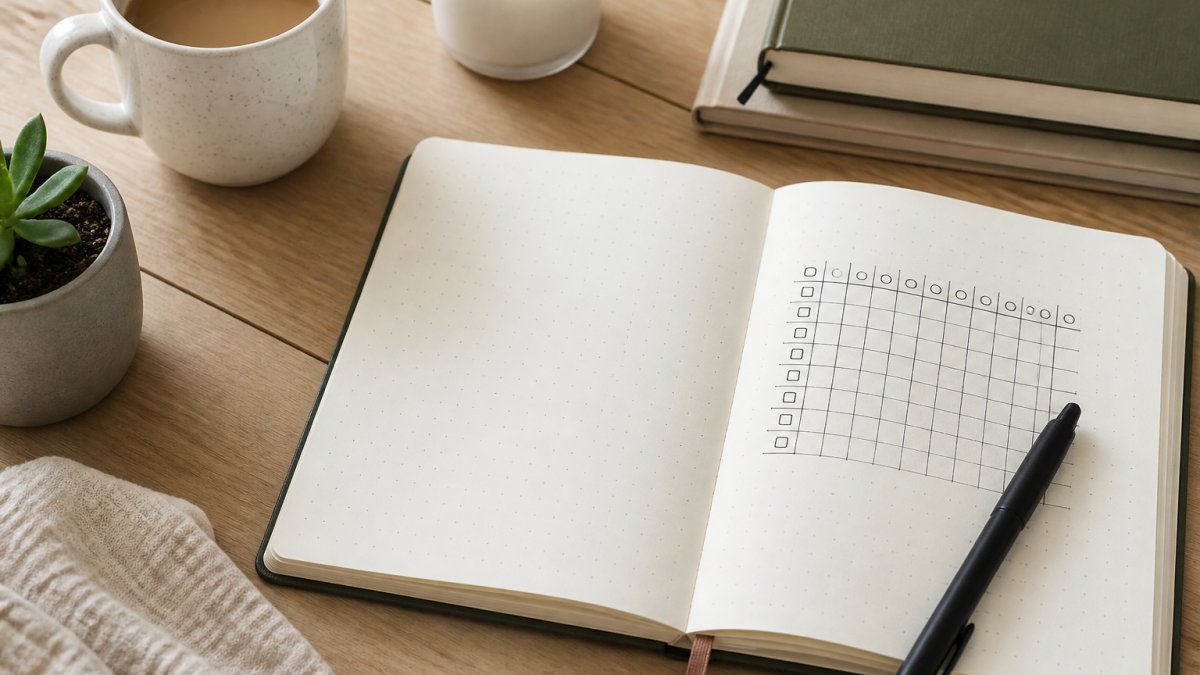
A daily habit tracker template needs four things and nothing else: the habit name, a row of dated boxes, a weekly review line, and space for a single note. Everything beyond that is decoration.
Here is the structure we use, and you can copy it into any notebook or planner:
- Habit column: three to five habits, written as actions ("walk 20 minutes"), not outcomes ("get fit").
- Date grid: seven columns for the week, one box per day. Use a tick for done, a cross for missed, and a dash for "didn't plan to."
- Weekly review line: one sentence on what worked and what got skipped.
That's the whole template. The dash matters more than it looks: it separates a genuine miss from a day you never intended to track, keeping your completion rate honest.
A Worked Example: One Week on Paper
Here is what a filled-in week looks like for a three-habit tracker.
| Habit | Mon | Tue | Wed | Thu | Fri | Sat | Sun |
|---|---|---|---|---|---|---|---|
| Walk 20 minutes | ✓ | ✓ | , | ✓ | ✓ | ✓ | ✓ |
| Read 10 pages | ✓ | ✓ | ✓ | ✗ | ✓ | , | ✓ |
| Lights out by 11pm | ✓ | ✗ | ✓ | ✓ | ✓ | ✓ | ✓ |
Weekly review line: "Wednesday walk was a planned rest day; Thursday reading slipped after a late meeting. Lights-out is the habit that needs the most attention."
Notes strip: "Slept badly Tuesday; recovered by Friday."
That single week tells you three things a feature-heavy app would bury in a dashboard: the walk habit is stable, reading is fragile on meeting-heavy days, and sleep needs re-anchoring.
How to Run the Weekly Review in Five Minutes
A template only works if the review is as short as the logging. On Sunday evening, do three things:
- Count ticks, not crosses. Note which habit had the most completions. That is your anchor habit for next week.
- Find the fragile day. Look for the day with the most crosses or dashes. Ask one question: was the habit too big, or was the day genuinely unavailable?
- Change one thing. Shrink a habit ("walk 20 minutes" becomes "walk to the end of the street") or move it to a different anchor ("after lunch" instead of "after coffee"). Change only one variable per week so you can tell what worked.
Printable Habit Tracker: Paper Still Works
A printable habit tracker is often the most reliable option: paper has no notifications to dismiss and no login to forget.
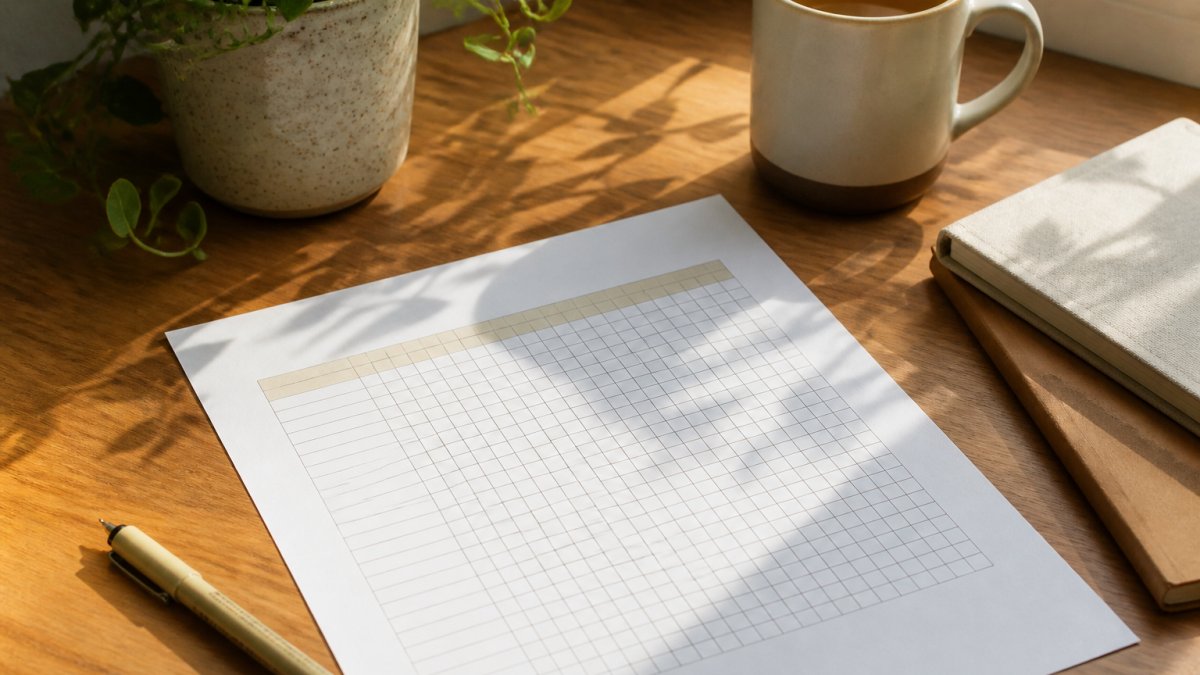
Paper tracking suits people who already write things down and anyone who wants habits away from their phone. The trade-off is real: no automatic reminders, no analytics, no syncing.
For a middle ground, our printable and digital trackers are designed to sit alongside your existing routine rather than replace it. You can print a fresh sheet each month, or use the GoodNotes digital planning documentation to run the same layout on a tablet with a stylus.
A Habit Tracker for Beginners: Start With Three
A habit tracker for beginners should start with exactly three habits, not ten. Three is small enough to remember without checking, and large enough to show a pattern within a fortnight.
Pick them like this:
- One keystone habit you already half-do, like drinking water or a short walk.
- One habit tied to an existing routine, stacked onto something automatic ("after I make coffee, I write one line in my journal").
- One habit you actually want, not one you think you should want.
Run that set for two weeks before adding anything. If you're hitting four or more days out of seven on each, add a fourth habit. If not, shrink the habit instead of the list.
Privacy, Offline Use, and Low-Friction Access
Privacy and offline access are the two things most habit tracker roundups skip, and they matter more than feature lists. A habit log reveals your sleep, exercise, mood, and spending patterns, sensitive data worth a second thought before it lands on someone else's server.
Before you commit to an app, check three things:
- Where the data lives. Local-only storage, a cloud account, or an export file you control.
- What works offline. A tracker that needs a connection to log a walk isn't a daily tool.
- What the free plan actually allows. Many free tiers cap the number of habits, hide history behind a paywall, or limit exports.
Paper and local-file planners sidestep the first two entirely, which is why printable trackers remain popular with people who want private routines.
A Practical Daily-Task Workflow You Can Keep
A daily-task workflow that survives real life is short, anchored to a time, and forgiving.
Through the day, ten seconds each. Tick the box the moment you finish a habit.
Evening, one minute. Fill in the weekly review line if it's Sunday, or just close the tracker.
| Step | When | Time | What You Do |
|---|---|---|---|
| Set the day | Morning | 2 min | Read habits, pick the first one |
| Log as you go | All day | 10 sec each | Tick the box immediately |
| Review | Sunday evening | 5 min | Note what worked, adjust one habit |
The workflow holds up because it never asks you to do two things at once.
Building a routine that sticks is less about willpower and more about removing steps.
Frequently Asked Questions
What is the best minimalist habit tracker for daily tasks?
There is no single winner, because the best minimalist habit tracker is the one you will open every day. If you want notifications and streaks, a lightweight app with a single-screen checklist works well. If you prefer no screens, a printable habit tracker on the fridge or a daily habit tracker template in a digital planner does the same job. Judge any option against three tests: can you log a habit in under five seconds, does it show only what you need today, and does it stay out of your way otherwise.
Are habit tracker apps better than paper trackers?
They solve different problems. Apps win on reminders, streaks, and progress visualization, which helps with consistency when your routine shifts day to day. Paper wins on friction: a printable habit tracker is always visible, never needs a charge, and collects no data about you. Many people run both, using an app for time-specific reminders and a printed sheet for the habits they want to see at a glance. Pick based on whether you miss habits because you forget or because you ignore prompts.
How many habits should you track at once?
Start with three or fewer. A habit tracker for beginners should feel almost too easy in week one, because the goal is building the check-in routine itself. Once daily check-ins feel automatic, add one habit at a time. Tracking ten goals from day one usually leads to a burst of motivation followed by abandonment, and the tracker gets blamed instead of the workload. Fewer habits, tracked consistently, give you better data and a higher completion rate.
Can a to-do list also work as a habit tracker?
Yes, with one adjustment. A to-do list clears tasks, while habit tracking measures repetition, so mixing them hides your streaks. Keep recurring tasks like exercise, meditation, or journaling in a separate short list, or tag them so they stay visible after completion. If your to-do app supports recurring tasks and a simple completion view, it can serve as a minimalist habit tracker for daily tasks. If it buries habits among one-off errands, a dedicated daily checklist is clearer.