 how-to
What Is the Best Digital Garden Planner for Beginners in 2026?
Last Updated: October 25, 2026
Quick Summary
A digital garden planner is software that lets you draw your beds, place plants, and build a planting calendar in one place, which makes it the best starting point for beginners in 2026. Choose your format first, then build one small bed step by step and set planting dates from your local frost dates.
- Pick printable, web-based, or app format before choosing a product.
- Build the plan in order: bed size, paths, sun, plants, dates.
- Enter your last spring and first fall frost dates to calculate planting dates.
- A 4-by-8-foot raised bed is a common beginner size.
- Add one journal entry per bed each week to track what happened.
Table of Contents
- Why a Digital Garden Planner for Beginners Beats Guesswork
- Choosing a Garden Planner for Beginners: Formats, Devices, and Limits
- How to Use a Garden Layout Planner: A Step-by-Step Beginner Workflow
- Building Your Garden Planting Calendar Around Frost Dates
- Why a Garden Journal Template Keeps the Plan Alive
- A Realistic Sample Plan: 25 by 12 Feet With a Planting Schedule
- Common Beginner Planning Mistakes and How to Fix Them
- Setting Up Your First BriarpatchPaper Garden Planner
- Frequently Asked Questions
Why a Digital Garden Planner for Beginners Beats Guesswork
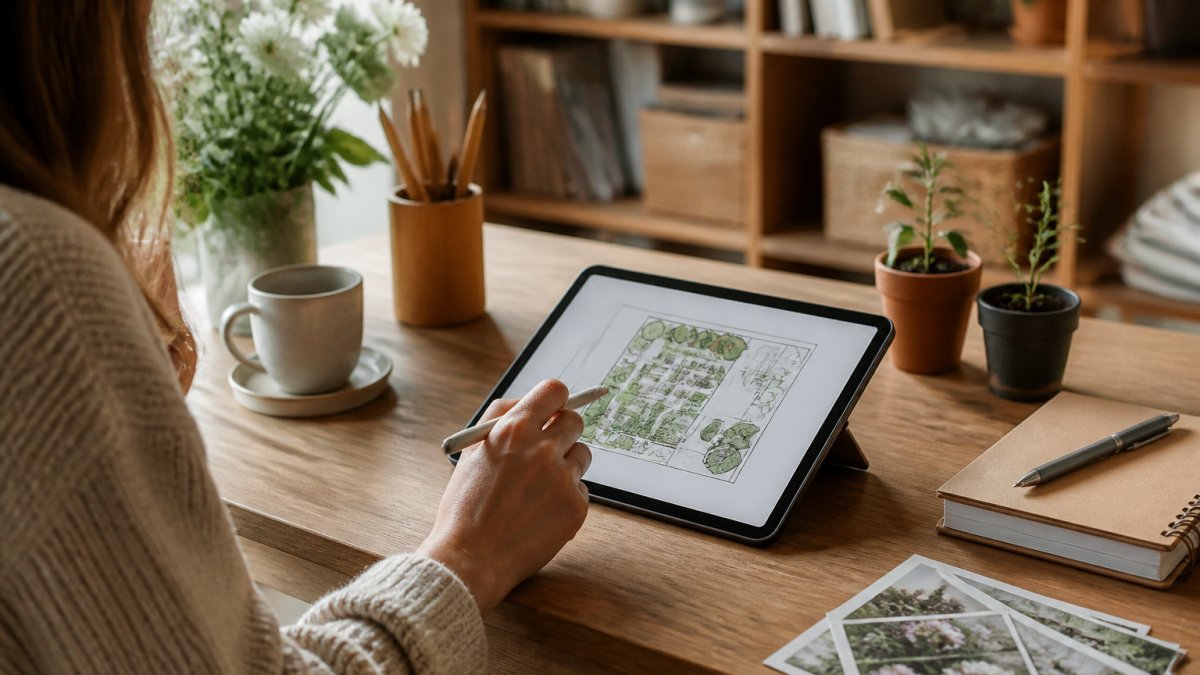
A digital garden planner is software that lets you draw your beds, place plants, and build a planting calendar in one place.
Here's the problem with planning on paper alone.
According to VegPlotter's free-version overview, some free planners now allow unlimited garden layouts and up to 40 plantings per year.
The catch most guides skip: not everything labeled a "garden planner" is a layout tool. Some are printable PDFs. Some are browser tools. Some are apps.
Choosing a Garden Planner for Beginners: Formats, Devices, and Limits
Beginners should pick a format before they pick a product. The three main types behave very differently, and your device and workflow decide which one fits.
Printable, Web-Based, or App: Which Format Fits Your Setup
Printable planners are documents you download and fill in by hand or in a PDF editor. They're simple and work offline, but they don't auto-calculate spacing or dates.
Web-based planners run in a browser. They usually offer drag-and-drop bed layouts and planting calendars. You need a connection, though offline access varies.
App-based planners live on your phone or tablet. They're handy in the garden, but screen size makes detailed layouts fiddly.
If you're weighing a printable against a digital option, our Digital Planner vs Paper Planner Pros: Which Wins? comparison walks through the trade-offs directly. And if you want a deeper look at template formats, our guide to Digital Planner Templates: The 2026 Guide to Choosing covers how to pick one.
Here's how the formats stack up:
| Format | Best For | Offline Access | Data Portability | Main Limit |
|---|---|---|---|---|
| Printable | Simple notes, no tech | Yes | High (your file) | No auto-calculations |
| Web-based | Bed layouts, calendars | Varies | Usually account-bound | Needs connection |
| App-based | Garden-side tracking | Often yes | Tied to the app | Small screen |
Watch out: check whether a product is an editable tool, a printable document, or a mobile app before you buy. The label "planner" covers all three.
How to Use a Garden Layout Planner: A Step-by-Step Beginner Workflow
The fastest way to learn a garden layout planner is to build one small bed from scratch and carry it through to a planting date. Follow these steps in order and you'll have a working plan in an afternoon.
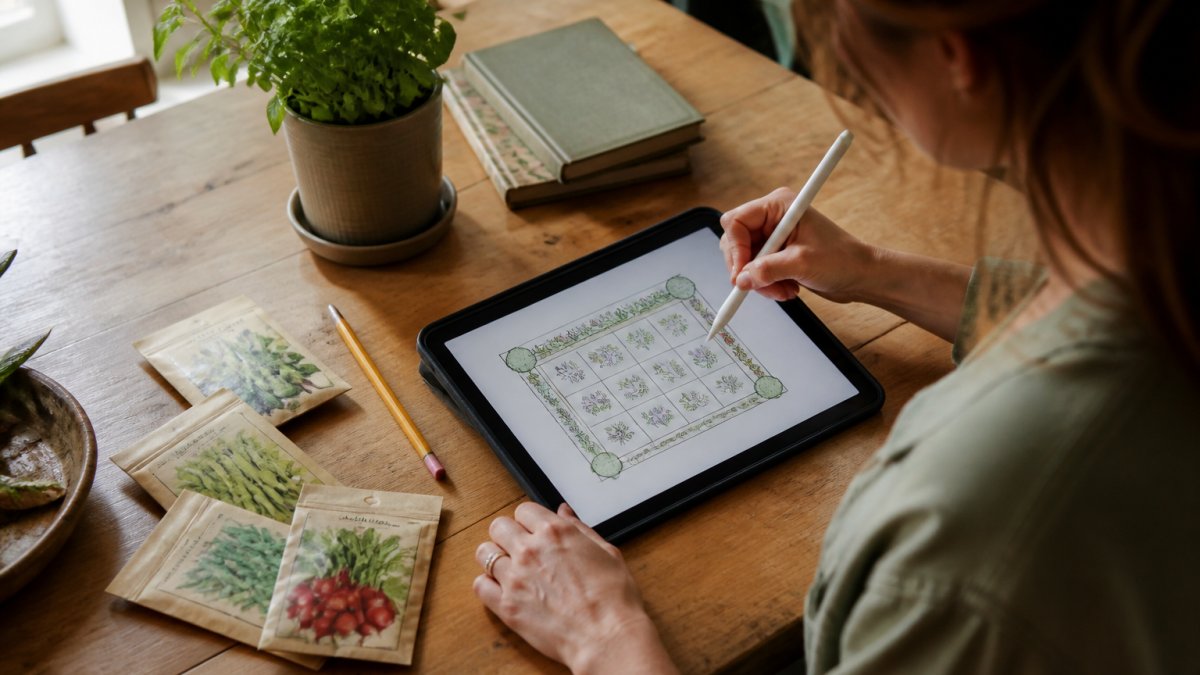
- Measure and set your bed size. Use a tape measure, not an estimate. Enter the real dimensions (for example, 4 feet by 8 feet) so spacing calculations are accurate. Start with one or two beds; a 4-by-8-foot raised bed is a common beginner size because it is reachable from both sides.
- Draw the layout to scale. Turn on snap-to-grid and use undo freely. Place the bed outline first, then add paths. A 2-foot path is enough to kneel and work; 3 feet is better if you use a wheelbarrow.
- Map the sun before you place plants. Note which long side gets morning light and which gets afternoon shade. In most planners you can add a sun-direction marker or a note layer. Tall crops go on the north or shaded edge so they do not cast shade on shorter plants.
- Add plants and check spacing as you go. Drag vegetables into the bed and read the spacing warning the tool gives you. If the planner does not flag overcrowding, check the seed packet's spacing and leave that gap manually. A common beginner error is filling every square inch; leave room for airflow.
- Set planting dates from your frost dates. Enter your last spring frost date and first fall frost date, then let the tool calculate indoor start dates and direct-sow dates for each crop. If the tool only offers a generic calendar, override it with your local dates.
- Save a copy and label the version. Keep a duplicate named by date (for example, "Bed 1 - March plan") so you can test changes without losing your original. This also gives you a record to compare against what actually happened.
A common mistake is planning a bed bigger than you can weed and water. In practice, a modest bed you tend beats a large one you abandon. If you are unsure, plan one 4-by-8-foot bed, complete the six steps, and add a second bed only after the first is planted.
Building Your Garden Planting Calendar Around Frost Dates
Your garden planting calendar should start with your local frost dates, not a generic chart. Seed-starting dates and transplant timing both flow from those two dates.
Most planners let you enter a last-frost date and then calculate start dates backward for each crop. That turns a vague "start seeds in spring" into a specific week.
Here's what to set up:
- Last spring frost: your seed-starting anchor
- First fall frost: your harvest-countdown anchor
- Indoor start dates: usually weeks before last frost
- Direct-sow dates: after soil warms
- Succession plantings: repeat sowings for a longer harvest
The Old Farmer's Almanac Garden Planner includes more than 250 vegetables, herbs, fruit, and flowers, which helps when you want dates for an unusual crop. Check your hardiness zone and adjust.
Why a Garden Journal Template Keeps the Plan Alive
A garden journal template is what turns a one-time plan into a record you learn from. The layout tells you what you intended. The journal tells you what actually happened.
Most beginners skip this step, then repeat the same mistakes next year. A simple journal entry per bed solves that.
Track these basics:
- What you planted and where
- When it germinated
- What pests or problems appeared
- What you'd change next season
Digital garden tracking pairs well with a planner because both live in the same place. You're not hunting for a notebook in July.
A Realistic Sample Plan: 25 by 12 Feet With a Planting Schedule
A realistic sample plan beats an abstract one. The Old Farmer's Almanac publishes a beginner example plan measuring 25 feet 11 inches by 12 feet 11 inches, which is a workable size for a first garden. Here is a simplified, annotated version you can adapt, with measurements and a planting sequence that shows how layout and timing work together.
Bed layout (25 feet by 12 feet total):
- North edge (12 feet long, 2 feet deep): tall crops such as tomatoes, peppers, and staked beans. These cast shade, so they belong on the north side in the northern hemisphere.
- Center (12 feet by 6 feet): main vegetable rows. Divide into three 2-foot-wide strips with 2-foot paths between them so you can reach the middle without stepping on soil.
- South edge (12 feet long, 2 feet deep): low herbs and leafy greens that tolerate partial shade and are easy to reach.
- Paths: two 2-foot paths running east-west, plus a 2-foot path along the south edge.
Planting schedule (adjust all dates to your local frost dates):
| Bed Area | Crop | Start | Notes |
|---|---|---|---|
| North edge | Tomatoes | Indoor 6-8 weeks before last frost; transplant after last frost | Stake at planting; space 24-36 inches apart |
| North edge | Peppers | Indoor 8-10 weeks before last frost; transplant after last frost | Space 18-24 inches apart |
| Center strip 1 | Leafy greens | Direct sow 2-4 weeks before last frost; succession sow every 2-3 weeks | Fast harvest; shade helps in summer |
| Center strip 2 | Bush beans | Direct sow after last frost when soil warms | Space 4-6 inches apart |
| Center strip 3 | Root vegetables (carrots, beets) | Direct sow 2-4 weeks before last frost | Thin to 2-3 inches apart |
| South edge | Low herbs (basil, parsley) | Indoor 4-6 weeks before last frost; transplant after last frost | Basil needs warmth; wait until nights stay above 50°F |
To adapt it, enter your last spring frost date and first fall frost date into your planner, then shift every start date in the table by the difference between your dates and the generic ones. If your last frost is two weeks later, move indoor starts and transplant dates two weeks later as well. This single adjustment is what makes a sample plan usable in your own garden.
Common Beginner Planning Mistakes and How to Fix Them
Most first-garden problems start in the plan, not the soil. Here are the fixes that matter.
- Overplanting: plan fewer crops and more space between them.
- Ignoring spacing: let the tool flag overcrowding before you plant.
- Skipping frost dates: enter local dates, not generic ones.
- No journal: add one entry per bed each week.
- Picking a tool you won't open: choose the format you'll actually use.
A common mistake is buying an elaborate planner you never open. If you're not a "planner person," pick the simplest option that covers layout and dates. Simplicity wins.
Setting Up Your First BriarpatchPaper Garden Planner
The best planner is the one you'll actually open in June. That's the lens we use at BriarpatchPaper. Our hyperlinked digital planners for GoodNotes and editable Canva templates are designed to be simple and calm.
If you've tried digital planners before and they sat unused, start small. Open one garden page, map one bed, and set one planting date. That single entry is the habit.
Our botanical, nature-inspired designs contribute to a pleasant planning experience.
Frequently Asked Questions
How do beginners use a digital garden planner?
Start by mapping your beds to scale, then add plants from the tool's library and let it flag spacing conflicts. VegPlotter's free version allows unlimited layouts and up to 40 plantings a year, which suits a first season. From there, set your frost dates so the planner can build a planting schedule, and log tasks as you go. The goal is a plan you update weekly, not one you finish once and abandon.
Is a digital garden planner better than a paper planner?
It depends on how you garden. A garden layout planner that snaps to grid and lets you undo a bed in one tap saves real time when you rearrange crops, and a planting calendar updates automatically when frost dates shift. Paper wins on portability and zero setup. Many beginners run both: a digital planner for layout and dates, and a printed journal template for notes taken outdoors.
What should a beginner include in a garden plan?
Four things: bed measurements, a plant list with spacing, planting dates tied to your local frost dates, and a tracking space for what actually happened. The Old Farmer's Almanac Garden Planner lists more than 250 vegetables, herbs, fruit, and flowers, so plant selection is rarely the bottleneck. What trips people up is skipping measurements. A sample plan published by the Almanac measures 25 feet 11 inches by 12 feet 11 inches, which shows how specific a real layout gets.
Can I use a digital planner to plan a vegetable garden?
Yes, and vegetable gardens are where digital planners earn their keep. A garden planting calendar handles succession sowing and seed starting dates that are hard to track on paper, while bed mapping shows whether your tomatoes will shade the lettuce. Check the free version's planting limit before committing: VegPlotter caps free accounts at 40 plantings a year, which is enough for a small plot but tight for a large one.
Your first garden doesn't need a perfect plan. It needs a plan you'll keep. Start with one bed, one planting calendar, and one journal page, and let the rest grow from there. Get started with BriarpatchPaper and turn your garden ideas into a plan you can actually follow.