 blog
blog
Digital Planner Templates: The 2026 Guide to Choosing
Last Updated: October 23, 2026
Quick Summary
A digital planner template is a pre-built PDF layout with dated or undated pages, navigation tabs, and fixed sections that you fill in on a tablet or print at home. It removes the setup work and keeps your planning consistent, though templates impose structure you should test before buying.
- Download two or three free templates and test one for a full week before spending anything.
- Confirm the download is a real PDF, since image packs import without working tabs.
- A 4:3 page ratio suits most iPads, while 16:9 files leave awkward margins on tablets.
- A good template covers a yearly calendar, monthly spreads, daily pages, goals, budget, and habit tracker.
- Undated planners roll over year after year, while dated planners expire on December 31.
Table of Contents
- Why Digital Planner Templates Beat Blank Pages
- Free Digital Planner Templates: What You Get and What You Trade
- How to Pick a Digital Planner for GoodNotes
- Inside a Hyperlinked Digital Planner: How Tabs Actually Work
- Digital Planner vs Printable Planner: Which Fits Your Week
- What a Good Digital Planner Template Should Include
- Customizing, Licensing, and Year Rollover
- Conclusion
- Frequently Asked Questions
Why Digital Planner Templates Beat Blank Pages
A blank digital page is a decision you have to make every single morning. A digital planner template makes that decision for you once, then repeats it all year.
At BriarpatchPaper, we build hyperlinked digital planners and printable wall art for people who want their planning to feel calm rather than clinical.
The trade-off is real, though. Templates impose structure. If the structure doesn't match how you actually think, you'll fight it.
Free Digital Planner Templates: What You Get and What You Trade
Free digital planner templates are a genuinely useful starting point, and we recommend downloading two or three before you spend anything. They teach you what you actually use.
What free templates usually deliver:
- A single monthly or weekly spread, often undated
- Basic hyperlinks, sometimes only a home button
- Limited or no customization beyond typing in fields
What you typically give up:
- Multi-device compatibility testing
- Accessibility features like tagged text and high-contrast options
- Year rollover support and updates
That last point matters more than it sounds. A free template that only covers one spread forces you to stitch together a system from three different downloads, and mismatched layouts are the fastest route to abandoning planning altogether.
How to Pick a Digital Planner for GoodNotes
The right digital planner for GoodNotes is a PDF with internal hyperlinks, a page size that matches your device, and a layout you'll actually open daily. Everything else is decoration. But GoodNotes is only one of several apps people actually use, and the setup steps differ enough between them that it's worth walking through each before you buy a file.
What to check in the file itself
Before you worry about apps, confirm the download is a real PDF and not an image pack. GoodNotes, Notability, and most Android annotation apps import PDFs as multi-page notebooks with hyperlinks intact.
Page ratio matters too. A 4:3 file suits most iPads; a 16:9 file leaves awkward margins on tablet screens. If the seller lists a page size, match it to your device before downloading.
GoodNotes setup, step by step
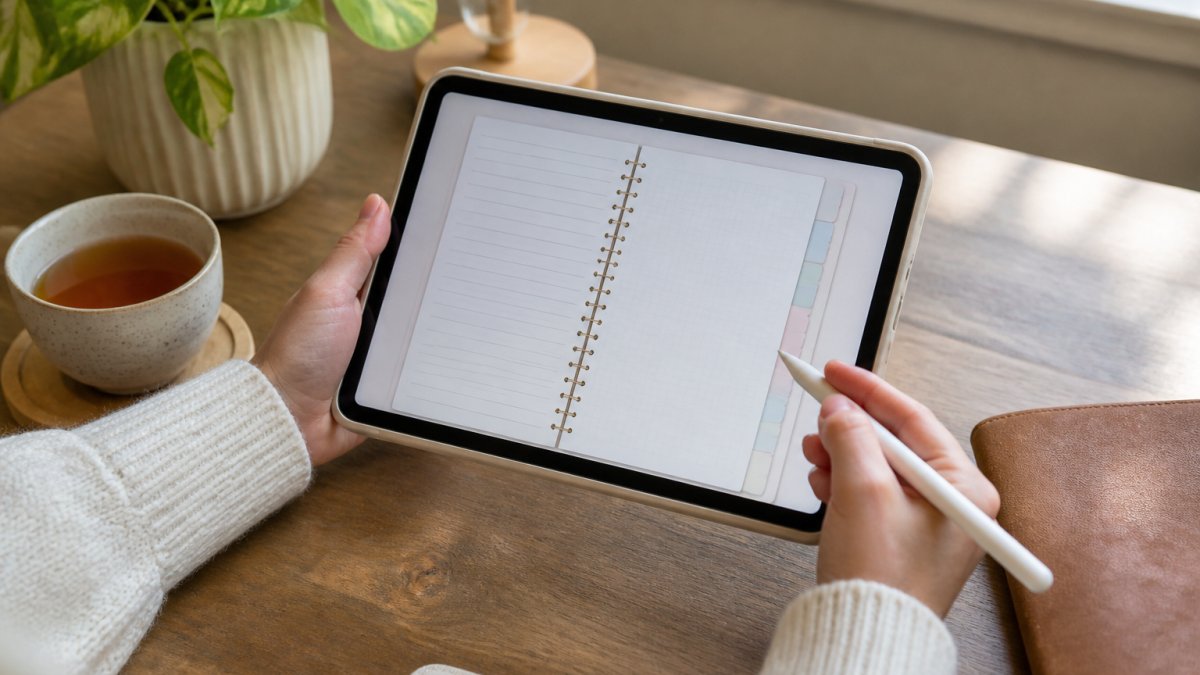
- Check the file format. You want a PDF, not an image pack. GoodNotes imports PDFs as multi-page notebooks with links intact.
- Match the page size to your screen. A 4:3 ratio suits most iPads; a 16:9 file leaves awkward margins on tablet screens.
- Test the tabs before committing. Tap through every tab once. Broken links are the single most common complaint about downloaded planners.
- Import via the notebook menu. Open GoodNotes, choose New Notebook, then Import, and select the file.
- Set your pen presets once. Save a favorite pen and highlighter; you'll use them hundreds of times.
Notability, reMarkable, and Android: how they differ
GoodNotes isn't the only option, and the differences are practical rather than cosmetic.
- Notability imports PDFs and handles hyperlinks, but its strength is audio recording tied to notes, useful for meetings and lectures, less so for a daily planner you fill in silently. Its page organization is flatter than GoodNotes, so deep tab structures can feel cramped.
- reMarkable is e-ink, which changes how you interact with color-coded pages. Colored tabs and pastel trackers render as grayscale, so a planner designed around color cues will lose meaning. The trade-off is battery life and a paper-like writing feel that many pen-first planners prefer.
- Android options like Xodo and Samsung Notes import PDFs and support annotation, but hyperlink behavior varies by app version. Test the tabs in the specific app you'll use, not just on a desktop PDF reader.
Feature limitations nobody warns you about
Even a well-built planner hits app limits. Text search works in GoodNotes and Notability but not reliably in every Android app. Handwriting recognition varies by app and language. Some apps cap the number of pages per notebook, which matters for a full-year daily planner.
Check compatibility before you buy, not after. A two-minute test in the app you'll actually use saves a refund request later.
Inside a Hyperlinked Digital Planner: How Tabs Actually Work
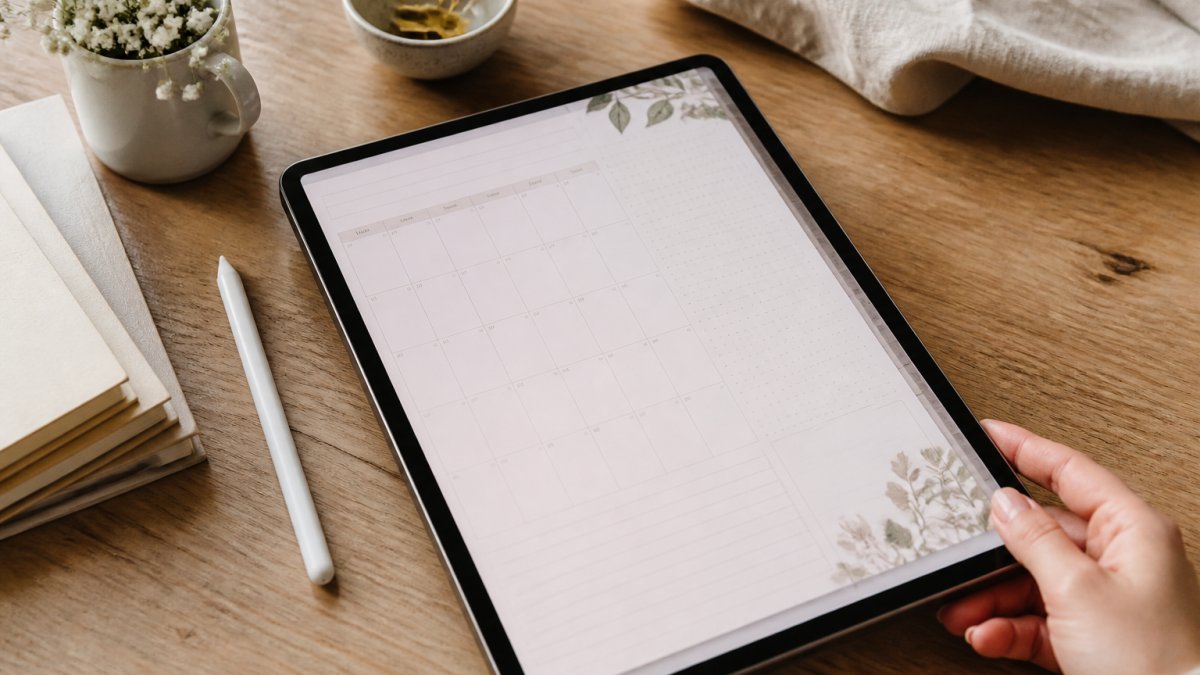
A hyperlinked digital planner is a PDF where the tabs and buttons are internal links that jump you to a specific page. Tap "March," and you land on March's monthly spread.
The structure usually looks like this:
- Home page with links to every section
- Yearly calendar pages, often 12 months at a glance
- Monthly spreads with a linked index to each week
What most guides miss is that link depth varies wildly. A well-built planner links in both directions, so you can jump from a daily page back to its week and back to the month.
Digital Planner vs Printable Planner: Which Fits Your Week
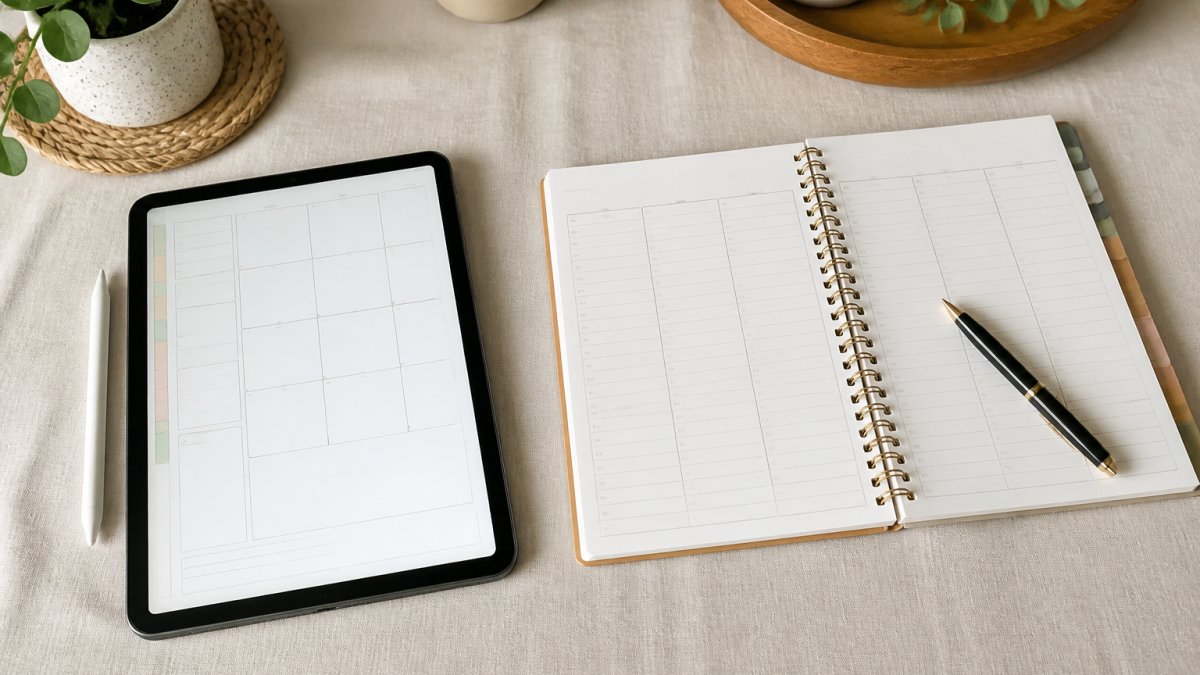
The choice between a digital planner and a printable planner comes down to where your day already happens.
| Factor | Digital planner | Printable planner |
|---|---|---|
| Best for | Tablet users, frequent travelers | Pen-and-paper thinkers, shared family spaces |
| Cost pattern | One download, reuse yearly | Reprint each cycle |
| Editing | Type, erase, rearrange freely | Pen only, no undo |
| Portability | One device, all pages | Physical pages to carry |
| Habit tracking | Tap-to-fill grids | Hand-drawn marks |
| Accessibility | Zoom, high contrast, text search | Limited to print size |
A practical middle path: use a digital planner for your daily and weekly pages, then print a monthly overview for the fridge or a shared wall.
For parents juggling school terms, sports schedules, and birthdays, a printed monthly calendar in a shared space does something a tablet can't.
What a Good Digital Planner Template Should Include
A good digital planner template should cover six things: a yearly calendar, monthly spreads, weekly and daily pages, goal setting and goal tracking, a budget planner, and a habit tracker. If a template skips any of these, you'll be building the missing piece yourself.
Here's what to check off before you download:
- Yearly calendar with space for annual planning
- Twelve monthly spreads with linked weekly pages
- Daily or weekly task management pages
Undated layouts deserve a special mention. A dated planner expires on December 31. An undated one rolls over, which is why we lean toward undated structures for anything you plan to keep using.
Customizing, Licensing, and Year Rollover
Customization, licensing, and year rollover are where buyers get burned, and almost nobody explains them upfront. Each one is a separate decision, so treat them separately.
Customization: editable versus flat PDF
Editable Canva templates let you change colors, fonts, and headers without design software. That's the right choice if you want the planner to match a palette, a brand, or a seasonal theme.
A practical test: open the file and try to change one heading. If you can't select the text, it's flat. Decide which you need before you buy, because a flat PDF that you love the look of is fine, and a flat PDF you want to recolor is a refund request waiting to happen.
Licensing: personal use, commercial use, and the gray zone
Most digital planner templates are personal-use only. That means no reselling, no sharing with your team, and no printing for clients. Commercial-use licenses exist but are usually sold separately, and the terms vary widely between sellers.
What to look for in a license:
- Personal use, you can use it yourself, on your own devices, and usually print copies for your own household. You cannot redistribute the file or sell printed pages.
- Commercial use, you can use the planner inside a business, often including client-facing printing. Confirm whether it covers resale of the file itself (rare) versus use of printed pages (more common).
- Extended or team licenses, some sellers offer multi-seat terms for teams. If you're buying for a small business, ask before assuming a single purchase covers everyone.
Dated versus undated, and how year rollover works
A dated planner expires on December 31. An undated one rolls over, which is why we lean toward undated structures for anything you plan to keep using. But the trade-off is real: dated planners often come with pre-filled calendars, weekday labels, and holiday markers that save setup time, while undated planners ask you to write in dates yourself.
Year rollover is the question to ask before committing to a multi-year system:
- Dated planners need replacing each January. Some sellers offer free annual updates; others charge again. Ask which, and get it in writing if it matters to you.
- Undated planners don't expire, but you may need to update linked yearly calendars manually if the file includes them.
- Hybrid files sometimes ship with a dated calendar section and undated daily pages. These are the most flexible, but check that the dated section can be swapped without breaking hyperlinks.
This is where we'd point you to our own shop. Our hyperlinked digital planners for GoodNotes are undated, so they roll over year after year, and our editable Canva templates let you restyle pages to match your own palette. We also build printable wall art and garden trackers for anyone who wants the same calm aesthetic on paper. Pricing lives on our site, since it depends on quantity, dates, and delivery.
Conclusion
The hard part of digital planning isn't finding a template. It's finding one you'll still open in March. Start with a free sample, test the tabs, confirm the license, and choose undated if you want it to last.
At BriarpatchPaper, we build planners with that longevity in mind: undated hyperlinked layouts for GoodNotes, editable Canva templates you can restyle, and botanical designs that make daily planning feel less like admin.
Frequently Asked Questions
What is a digital planner template?
A digital planner template is a pre-designed file, usually a PDF, that you open in an annotation app on a tablet and write on with a stylus. Instead of starting from a blank page, you get ready-made layouts for daily, weekly, and monthly planning, plus trackers and note pages. Many templates are hyperlinked, so tapping a tab jumps you to that section. Some are editable in Canva before you download, which lets you change colours, fonts, and labels to match how you actually plan.
Can I use digital planner templates in GoodNotes?
Yes. GoodNotes imports PDF planner files directly, and hyperlinked tabs usually work once the file is opened there. Download the planner to your device, open GoodNotes, choose Import, and select the PDF. Give it a name you will recognise, then start writing with your stylus. If tabs do not respond, check that you imported the file rather than opening it in a preview app. Undated layouts are the safer choice here, since they keep working in GoodNotes year after year without a replacement file.
What is the difference between a digital planner and a printable planner?
A digital planner lives on a tablet and you write on it with a stylus, so pages are reusable, searchable, and you carry one device instead of a binder. A printable planner is a PDF you print at home and fill in by hand, which suits people who think better on paper or want pages on a wall or fridge. Digital wins on portability and year rollover. Printable wins on tactile feel and no screen time. Many people use both: a digital planner for daily tasks and a printed page for the week ahead.
Are digital planner templates worth paying for?
Paid templates usually earn their cost through structure: tested layouts, working hyperlinks, and files that open cleanly in GoodNotes or Notability. Free templates are a good way to test whether digital planning suits you at all before spending anything. The practical test is simpler than price. If a planner is complicated enough that you avoid opening it, it will sit unused no matter what it cost. Start with a short free sample, use it for two weeks, then pay for the layout you keep returning to.